
Keyword tracking
Save product and keyword ideas, move them through your workflow and review them on time.
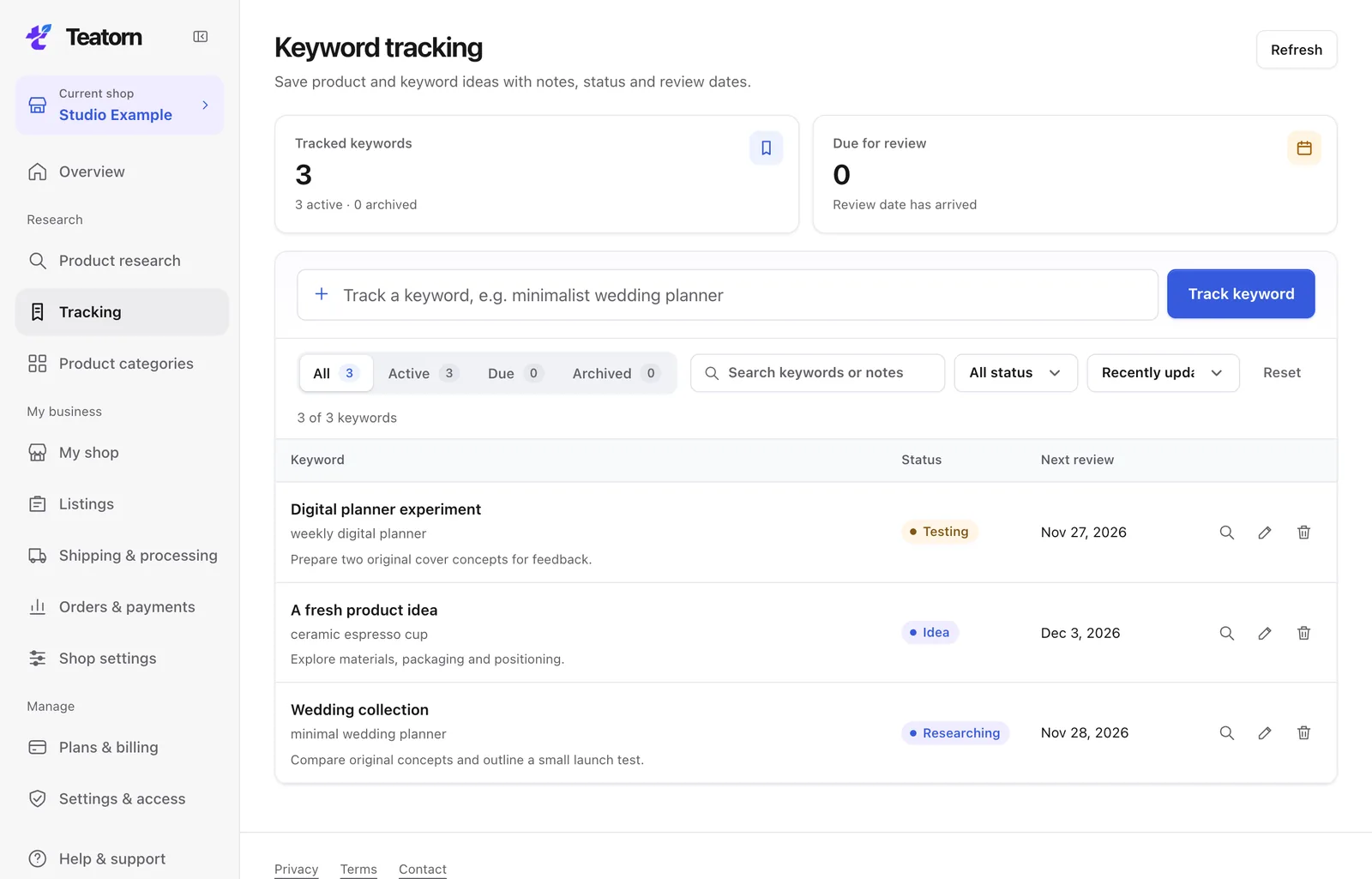
Add an idea
Type a keyword or product idea in Track a keyword, or press Save keyword on Product research.
Statuses
| Status | Use it when |
|---|---|
| Idea | You want to remember it |
| Researching | You are checking demand and competition |
| Testing | You have a test listing live |
| Launched | It is part of your range |
| Archived | You decided not to pursue it |
Notes and review dates
Open an idea to add notes and a review date. Ideas whose date has arrived appear under Due and on the Overview page.
Find ideas
Switch between All, Active, Due and Archived, search your notes, filter by status and sort by update date, name or review date.